In today’s fast-paced world, networking is key to professional success. But let’s face it, exchanging business cards can be cumbersome and inefficient.
What if there was a faster, more seamless way to connect with people you meet?
Enter the LinkedIn QR code scanner, a hidden gem within the app that can revolutionize your networking game.
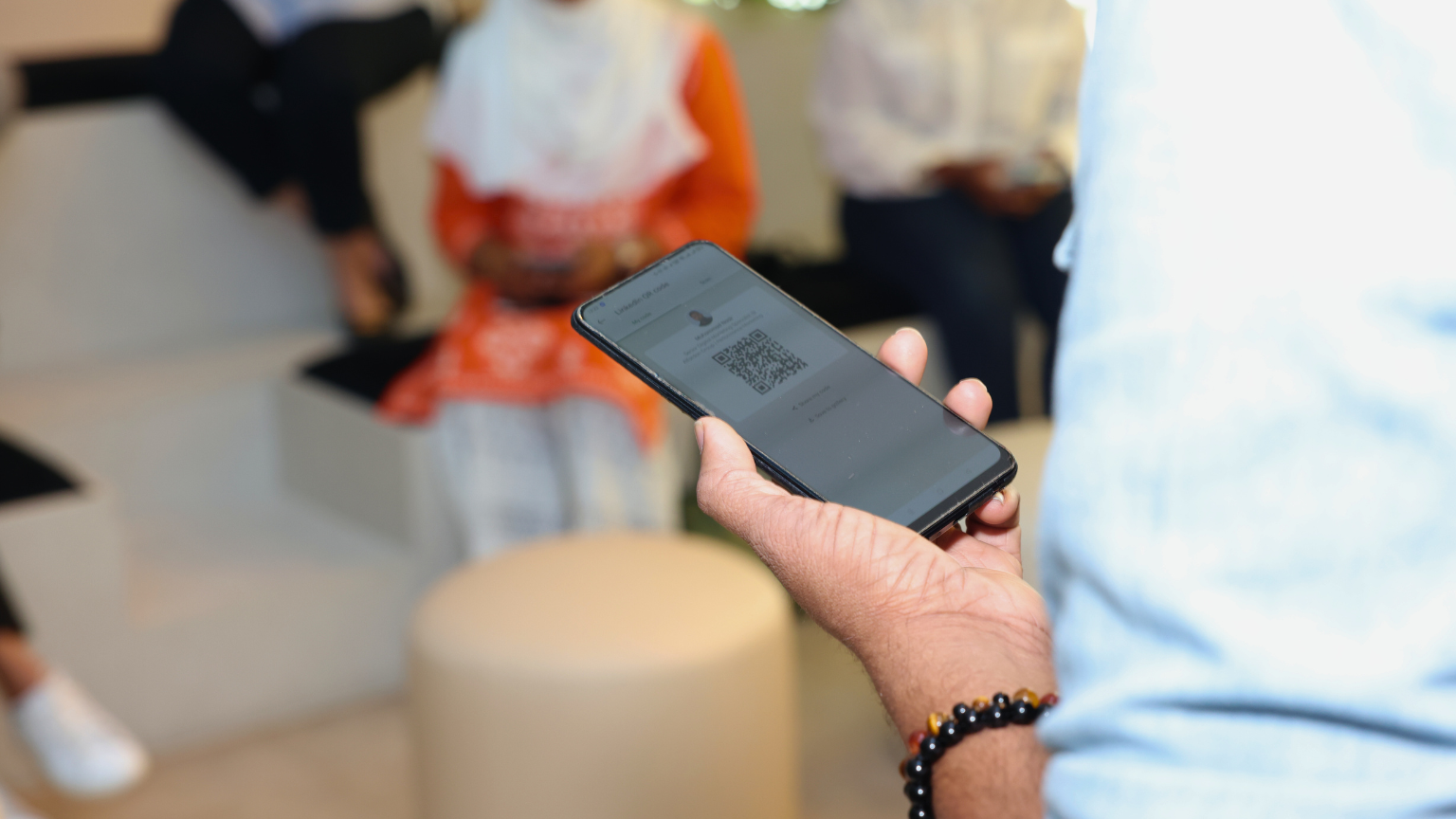
What is the LinkedIn QR Code Scanner?
Tucked away in the LinkedIn mobile app, the QR code scanner is a powerful tool that allows you to instantly connect with other LinkedIn users.
No more fumbling for business cards or awkwardly typing names into the search bar. Simply scan their QR code or have them scan yours, and voila! – you’re connected.
How to Find and Use the Scanner
- Launch the LinkedIn app on your mobile device.
- Tap the search bar at the top of the screen. You’ll notice a small QR code icon on the right-hand side. Tap on it.
- This will open a QR code with your name and headline under the My code tab. You can ask the other person to scan this code with their LinkedIn app to lead them directly to your profile. You can also tap:
- Share my code to share it via message, email or any third party app
- Save to gallery to store it in your phone’s gallery
- If you want to scan someone else’s code, tap “Scan” to open the camera with the scanner ready. To scan, simply point your camera at it.
Why This Feature is a Game-Changer at Networking Events
- Speed and Efficiency: you can forget about collecting stacks of business cards and manually searching for your connections. Connect with dozens of people in minutes with just a few taps.
- Accuracy: eliminate the trouble of misspelling names or looking up the wrong person. Scanning the QR code ensures you are connecting with the right person.
- Seamless Follow-up: Instantly add someone to your network, making it easier to send a personalized message and stay top-of-mind after the event.
- Reduce Waste: Say goodbye to paper waste and embrace a more eco-friendly way to connect.
- Stand Out from the Crowd: Impress your contacts with your tech-savviness and efficient networking style.
Beyond Networking Events
The LinkedIn QR code scanner isn’t just for large gatherings. Use it to:
- Connect with colleagues: New to a team? Quickly add everyone to your network.
- Exchange contact information at meetings: Make a lasting impression with clients and partners.
- Share your profile with ease: Display your QR code on your website, email signature, or even print it on marketing materials for easy access to your LinkedIn profile.
Ready to Supercharge Your Networking?
The LinkedIn QR code scanner is a simple yet powerful tool that can transform your networking experience. So, ditch the outdated business cards and embrace this efficient and modern way to connect. Happy networking!
 MUHAMMAD NASIR