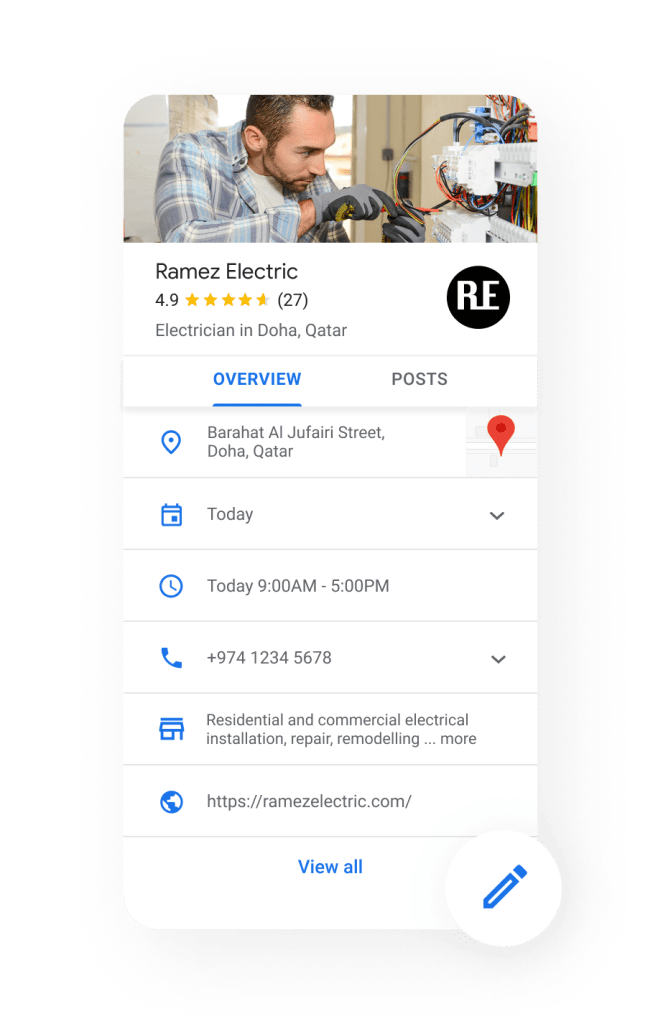
Anyone on the internet can create a location on Google Maps for FREE and Google would then approve it based on confirmations from other users. But ever so often, the information added by others are not 100% accurate.
You wouldn’t want your customers to look you up on Google and find incorrect information – it’s bad for business!
So why should you claim your business location?
- Increased Visibility: Claiming your business ensures it appears in Google Maps and local search results, significantly boosting your discoverability by potential customers searching for businesses like yours in your area.
- Control the Narrative: By claiming your profile, you control the information displayed about your business on Google. This includes your address, phone number, website, hours of operation, and more. Inaccurate information can confuse or deter potential customers, so having control is crucial.
- Improved Search Engine Optimization (SEO): A claimed and optimized Google Business Profile listing can positively impact your local SEO. This means your business is more likely to appear in relevant local searches.
- Customer Reviews: Claiming your profile allows you to manage customer reviews. You can respond to both positive and negative reviews, demonstrating professionalism and customer service to potential clients.
- Building Trust and Credibility: A well-maintained Google Business Profile listing with accurate information, photos, and positive reviews builds trust and credibility with potential customers.
How do you claim your location through Google Maps?
- On your computer, open Google Maps. On your phone, open the Google Maps app.
- In the search bar, enter the business name.
- Click the business name and choose the correct one.
- Click Claim this business > Manage now (on mobile, this would say I own or manage this business).
- To choose a different business, click I own or manage another business.
- Select a verification option, and follow the on-screen steps.
Typically verifying your Google Business location is possible through a variety of methods and works in multiple ways (some of which can be frustrating or slow).
- By phone or SMS: when available, Google will allow you to receive a call or text message on the phone number listed on your business.
- By email: in some instances, you will have the option to enter an email address to receive your verification code.
- By video recording: sometimes Google would request that you verify the business by recording a video from the location that you wish to verify.
- By live video call: occasionally you will be asked to verify by scheduling a live video call with a Google support rep.
- By mail: one of the more slower methods of verification, you might only have this option at times where you have to request the code mailed to your address and usually is expected to arrive in 14 days.
Other verfication methods will be available based on various factors. Verfication options are automatic, so you have no control over it.
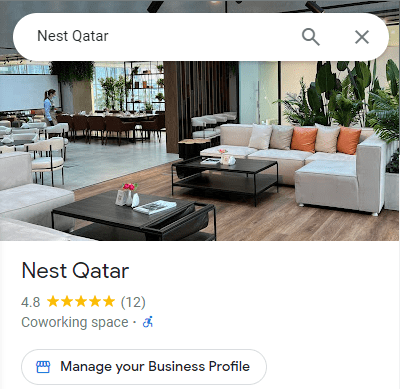
Add your business through Google Maps
If your business is new and you want to make sure your business appears on Google Maps right away, you have the option to do it before anyone else does it. And ensure you the business owner right away.
- On your computer, sign in to Google Maps. On your phone, you can open the Google Maps app.
- You can add your business in 3 ways:
- Enter your address in the search bar. On the left, in the Business Profile, click Add your business.
- Right-click anywhere on the map. Then, click Add your business.
- In the top left, click Menu > Add your business.
- Follow the on-screen instructions to finish signing up for your Business Profile.
Use these useful link to learn more about Business Profiles and managing them:
- How Google sources & uses info in Business Profiles & local search results
- Dealing with verification issues for your Business Profile
- Managing your Business Profile information
- Google’s Business Profile policies and guidelines
Need help with claiming your Google Business Profile? Get in touch.
 MUHAMMAD NASIR